
Adding A "Buy On Amazon" Button
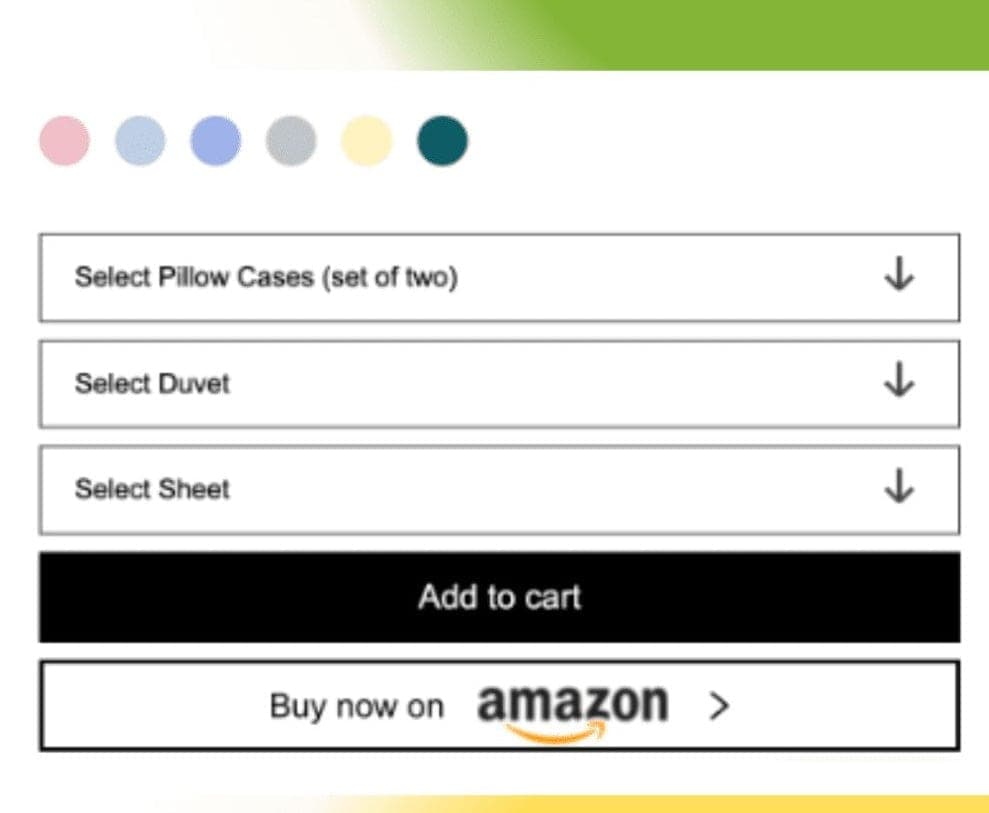
In this case study, we delve into a client engagement where the objective was to elevate the user experience on their e-commerce platform. Striking a balance between functionality and site performance, the client emphasized the importance of maintaining optimal website speed while achieving the desired integration. A client approached us with a request to incorporate a "Buy on Amazon" button on their product page, linking directly to the corresponding product on Amazon. The client opted against integrating it in a way that could compromise site speed. Our Approach: We utilized code to configure the Amazon field in Shopify's Metafields, allowing insertion of the Amazon URL. As a result, the "Buy on Amazon" button now appears on the product page. Outcome: The product pages now feature a "Buy on Amazon" button seamlessly, without any impact on the site's speed.
What this service covers
ServiceAdding A "Buy On Amazon" Button
CategoryTheme Customization
Canonical URL/services/adding-a-buy-on-amazon-button
When this fits
Choose this service when the store needs focused help with adding a "buy on amazon" button and the work should stay practical, testable, and easy for the team to maintain.
Concrete output
- Theme Customization scope mapped into clear tasks, risks, and expected output.
- Implementation or setup work focused on adding a "buy on amazon" button.
- Store-safe testing notes, handoff context, and next-step recommendations.
What helps us start
A store URL, the current blocker, admin/app context when relevant, deadline, and examples of the desired customer or team experience.